Warehouse Control Software (SASCA)
Introduction
SASCA is the warehouse control software (WCS) developed by SAS. It sits between your warehouse management system (WMS) and your automation equipment, and it tells every conveyor, sorter, scanner and label applicator what to do with each item in real time.
Most warehouses build up their automation one piece at a time. First a conveyor, then a sorter, then a print-and-apply labeller, each from a different manufacturer with its own controls. The equipment works, but it doesn’t talk to the rest. Staff end up bridging the gaps by re-scanning cartons, re-keying data and walking exceptions to the right lane by hand.
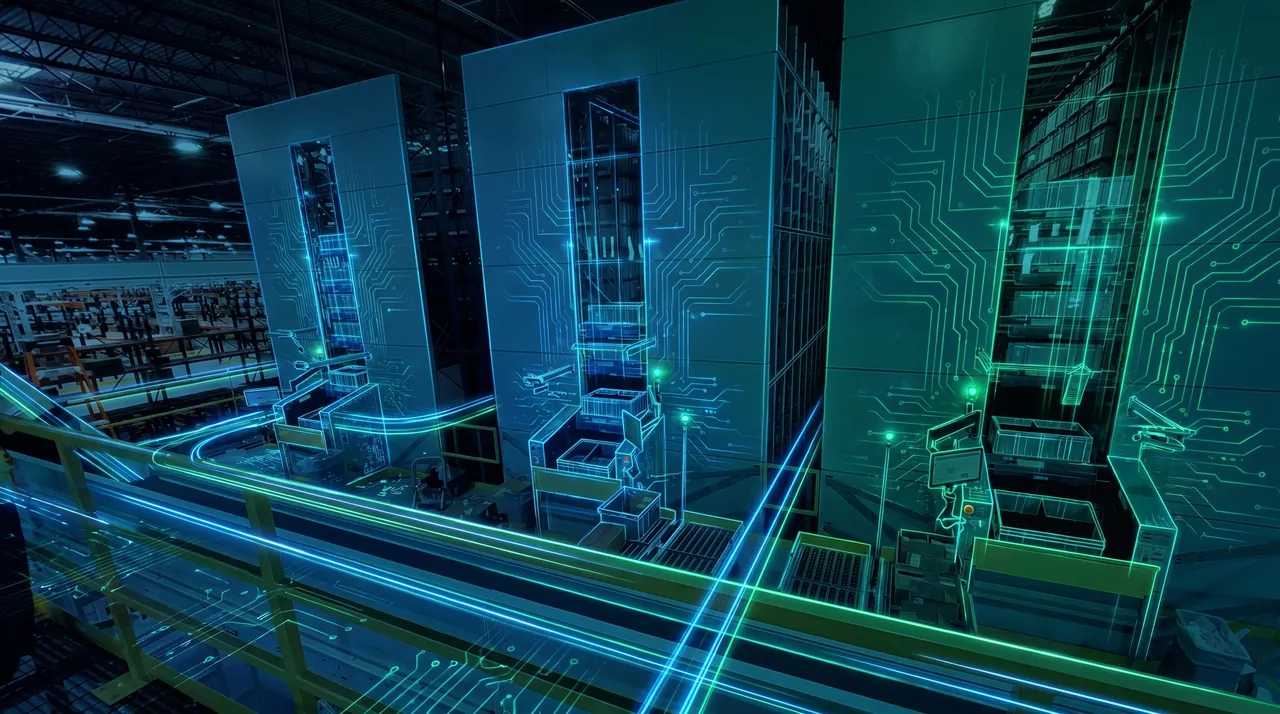
SASCA closes those gaps. It takes order and routing data from your WMS or ERP, passes the right instruction to each piece of equipment, and reports scans and status back. Your whole automated operation then runs as one connected system instead of a handful of separate machines.
Because SAS builds both the automation and the software that controls it, you deal with one partner. There’s no finger-pointing between the equipment supplier and the software vendor when something needs fixing.
One platform. Multiple technologies. One connected operation.
A warehouse management system (WMS) manages what happens. It holds your stock, receives orders, allocates inventory and decides which orders ship today.
A warehouse control system (WCS) manages how it physically happens. It takes those decisions and directs the automation in real time: which conveyor lane a carton takes, which sort destination it goes to, when a label gets applied, and what to do when a scan fails.
| WMS | WCS (SASCA) | |
|---|---|---|
| Focus | Inventory and orders | Equipment and material flow |
| Timeframe | Minutes to days | Milliseconds to seconds |
| Talks to | ERP, people, carriers | Conveyors, sorters, scanners, labellers |
| Example decision | “Ship this order today” | “Divert this carton to lane 4 now” |
Most automated warehouses need both. SASCA connects to the WMS you already have, so you don’t need to replace it to automate.
Every SASCA project starts with your process and your existing systems, not a standard software package. We configure SASCA around how your warehouse actually runs, then integrate, test and support it locally.
We document your WMS or ERP, your current and planned equipment, and how orders physically move through the building. This defines what SASCA needs to control and what data it needs to exchange.
We agree the interface with your WMS, design the routing logic, sort plans and exception handling, then connect each piece of equipment. The whole system is tested against your real order data before go-live, so problems show up in testing, not on your dispatch floor.
We cut over in stages so you keep shipping, train your team, and support you locally after go-live. When you add equipment or change your process, we update SASCA to match.
Benefits
SASCA routes each carton, tote or parcel based on live order data from your WMS, so there are fewer missorts, fewer reships and fewer manual fixes.
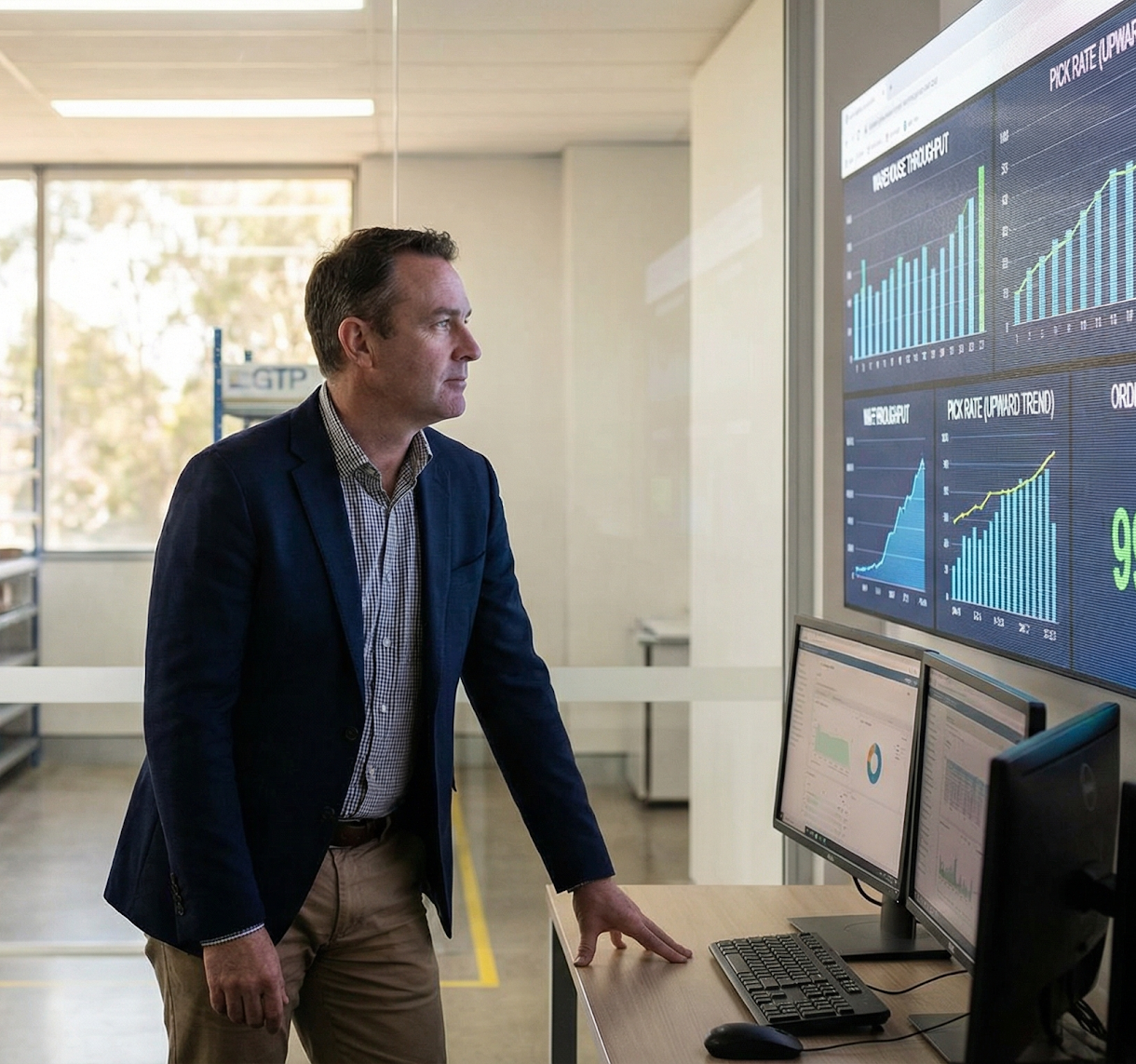
See where items are, what each machine is doing and where flow is slowing down, all in one place instead of on separate screens per machine.
SASCA balances flow across lanes, stations and sorters, so one busy area doesn't stop the rest of the line.
No-reads, overweight cartons and missing labels go to an exception lane automatically, with the reason logged, so your team fixes the problem rather than hunting for it.
SASCA connects to your existing WMS or ERP and to equipment from different manufacturers, so automating doesn't mean ripping out software that already works.
Add a conveyor run, a sorter or a new pack line, and SASCA brings it into the same control layer instead of leaving you with another standalone system.
Questions & answers
A warehouse control system is software that directs automated equipment in real time. It takes order data from the warehouse management system and tells conveyors, sorters, scanners and label applicators what to do with each item, then reports status back. SASCA is the WCS developed by SAS.
A WMS manages inventory and orders, deciding what needs to happen. A WCS controls the automation that makes it happen physically, deciding how and where each item moves, in real time. Most automated warehouses use both, with the WCS connected to the WMS.
No. SASCA connects to your existing WMS or ERP. We define what data passes between the two systems during design, so you keep the software your team already knows.
Yes. That's its main job. SASCA connects equipment such as Interroll conveyors and sorters, OPEX sortation, Cognex scanners and Matthews label applicators, so they run as one system instead of several separate ones.